Business
-

 Published:
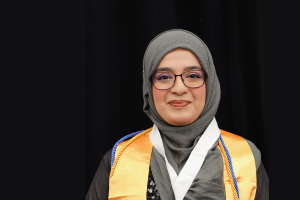
Aneeza Khan enrolled at Brightpoint with the long-term goal of becoming a Certified Public Accountant (CPA). As a student, she has achieved academic success, learned real-world skills for her career, and built a strong community. And after giving back to the college through volunteering and leading numerous student organizations, in May 2025, she earned a surprise title: Trailblazer of the Year.
-
 Published:
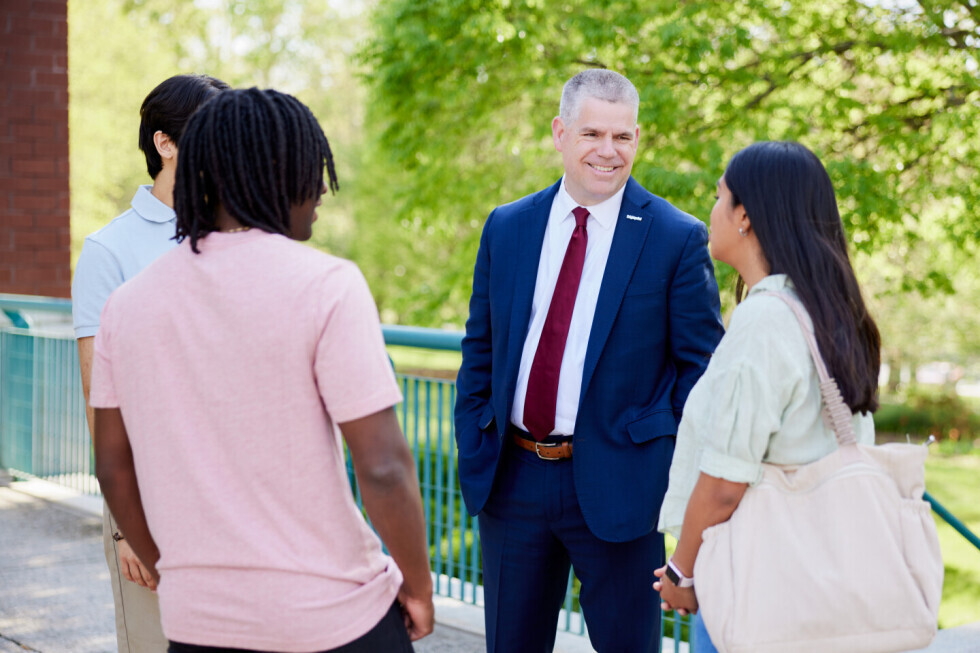
A message from Dr. Bill Fiege, President of Brightpoint Community College.
-
 Published:
Almost 10 years after her first college attempt, Tiandra Threat returned to Brightpoint with a clear vision to grow her business career and leveraged every possible opportunity to build her network and experience, as a campus leader, mentor and mentee.
-
 Published:
Since age seven, Saamiya Mohammed has been a busy baker. Two years ago, she got serious about her sweet skills and established a business. Known as “the cake girl” around campus, the business administration major somehow makes time to go all-in on the student experience.
-
 Published:
Jason Taylor, an Air Force veteran and a single father, cashed in his GI Bill at Brightpoint to grow his real estate business and be a role model for his 3-year-old son.
-
 Published:
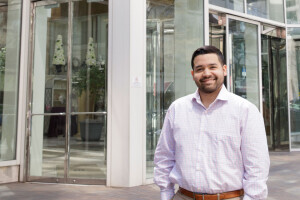
The connections Geovany Chavarria made at the college helped him reimagine what was possible for his future and include a bachelors degree in his career plan.
-
Next Up: Entrepreneur
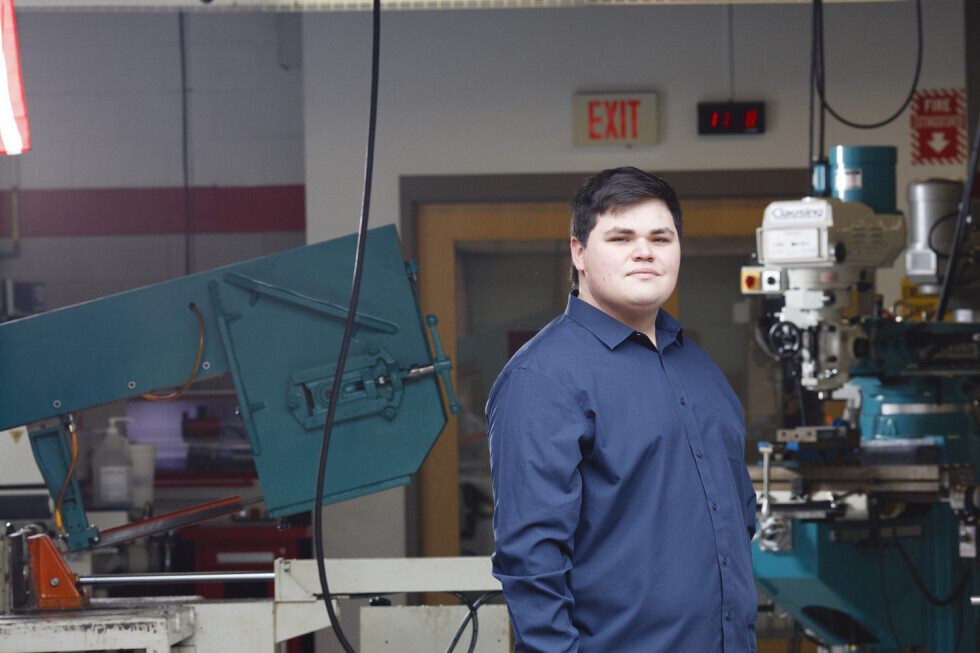
CategoriesPublished:Daniel McCloud started his associates degree in machining while still in high school, and then scored an internship with Rolls Royce that turned into a full-time job. Now he has returned to the college to build his business skills as he starts his own business.
-
 Published:
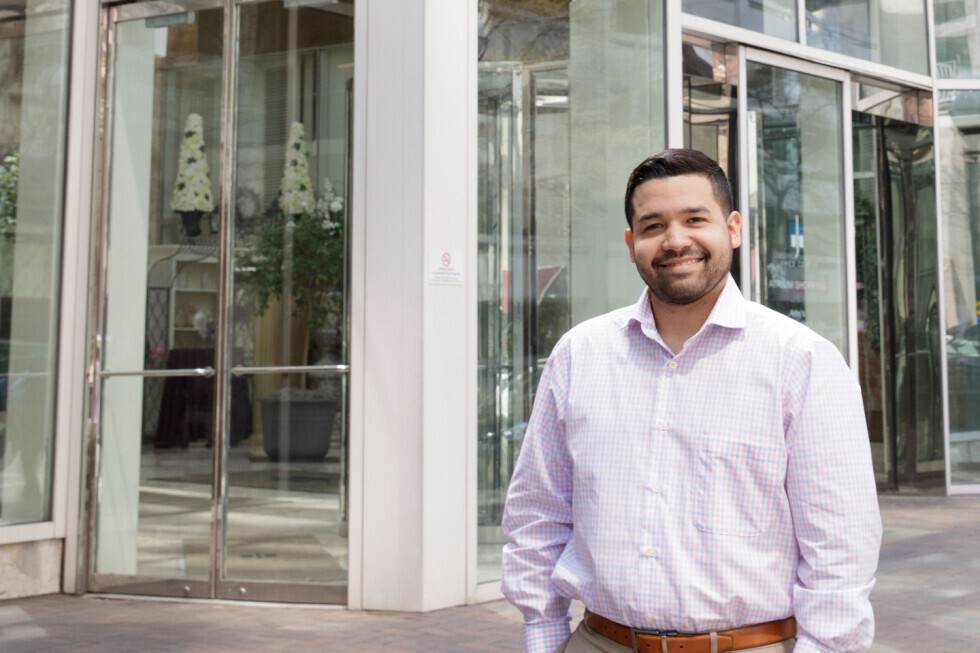
After high school, Renato Arenas took a job as a mechanic because he didn't think he could afford college. But he wasn't happy, so he secured financial aid to start his education at Brightpoint. Now, he's a global IT analyst, helping companies with IT regulations and compliance.